Sharp Copier Error Codes: What Each Letter Means
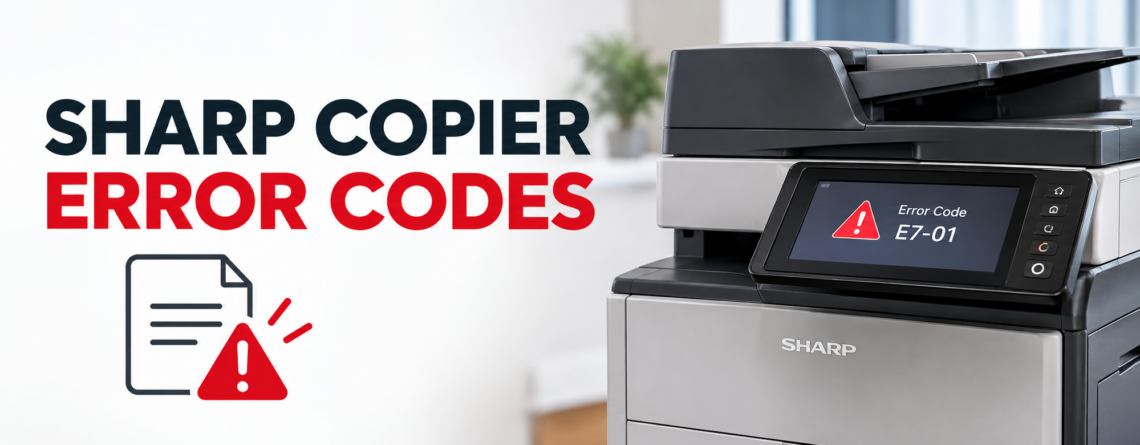
Sharp puts trouble codes on the panel in a letter-and-number format, something like H4-00 or L4-01, and the letter tells you more than most people realise. It identifies which part of the machine has failed, which means you can tell within seconds whether you are looking at a fuser problem, a motor problem, or a toner sensor that just needs cleaning. This guide explains what each letter family means, lists the codes we see most often on Sharp MX and BP machines with what actually causes them, and makes clear which ones are worth touching yourself.
Read the letter first
Every Sharp trouble code starts with a letter that names the subsystem. Before looking anything up, that letter already tells you roughly how serious the problem is.
| Prefix | Subsystem | Typical seriousness |
|---|---|---|
| H | Fusing unit — heater, thermistor, thermostat | Technician. Safety shutdown |
| L | Motors and drive — main motor, scanner drive, polygon motor | Technician, though obstructions are worth checking |
| E | Scanner and optical system | Sometimes just dirty glass |
| F | Toner and supply sensors | Often user fixable |
| U | Memory, EEPROM, and cartridge chips | Mixed. Toner chip issues are user fixable |
| C | Colour calibration and waste toner | Often user fixable |
| CH | A door or cover is open | Not a fault at all |
| CE | Network and communication | Network side, not the machine |
The single most useful thing on that list is CH. It is not a fault. A door, cover, or the bypass tray is not closed properly, and people call it in as a breakdown surprisingly often.
The H codes: fusing faults
This is the group we get called out for most, and the three main codes mean genuinely different things. Getting them mixed up is common even in published lists, so these come from Sharp’s own service documentation.
| Code | What it means | Usual causes |
|---|---|---|
| H2-00 | The thermistor reads open, or the fusing unit is not installed | Thermistor fault, control PWB fault, a disconnected fusing connector, or a fuser that is genuinely not seated |
| H3-00 | Fusing section high temperature. The fuser is running hotter than the specified level | Thermistor trouble, PCU PWB trouble, connector or harness connection trouble, HL PWB trouble |
| H4-00 | Fusing section low temperature. The fuser does not reach its specified temperature in the expected time after the power relay comes on | Thermistor, heater lamp, MFPC PWB, thermostat, connector or harness, power unit, or interlock switch |
So H3 is too hot and H4 is too cold. H2 means the machine cannot read the temperature at all.
One cause worth knowing about on H3: the thermistor can become contaminated with paper dust or sleeve oil, which makes it over-read the temperature. The fuser is not actually overheating, the sensor is lying about it. That is a cleaning and inspection job rather than a new fuser, and it is a good reason not to assume the worst when H3 appears.
What you can safely do: power the machine off at the switch, wait ten minutes so the fuser cools, and power it back on. A one-off condition will often clear. If the unit has just been serviced or a jam was cleared from the fuser area, check the fusing unit is properly seated, which is the honest cause of a fair number of H2 codes.
What you should not do: Sharp machines have service-mode routines that clear these codes, and the sequences are easy to find online. Using them without fixing the underlying fault is how a thermistor replacement becomes a fuser assembly replacement. These are safety shutdowns. The machine cut power to the fusing unit deliberately, and forcing it back on is not a repair.
The L codes: motors and drive
| Code | Meaning | Realistic action |
|---|---|---|
| L1-00 | Scanner feed system problem — the scanner carriage is locked, obstructed, or the motor has failed | Check nothing is jamming the carriage and that any transport lock is released. Otherwise technician |
| L4-01 | Main motor lock | Technician. Caused by an overloaded motor, a defective motor, or a damaged drive gear |
| L6-10 | Polygon motor error in the laser unit | Technician. Not user serviceable |
L1-00 is the one worth a look before calling. If a machine has recently been moved, the scanner transport lock may still be engaged, and that produces exactly this fault.
Sharp showing a code you cannot clear?
Effiservice provides on-site Sharp repair across Orange County on MX and BP series machines, including equipment bought or leased elsewhere. Give us the full code and we will usually tell you what it points to before we attend.
Prefer to book online? Visit our Orange County copier repair page or contact us here.
The codes you can often fix yourself
Not everything on the panel needs a visit.
- CH — a door, cover, or bypass tray is open. Close it properly. Check the toner cartridge is fully seated too, since a cartridge sitting proud can hold a cover off its switch.
- F2 group (toner detection) — usually an empty or badly seated cartridge, or a dirty sensor. Reseat the cartridge, and if it is a new one check the seal was removed.
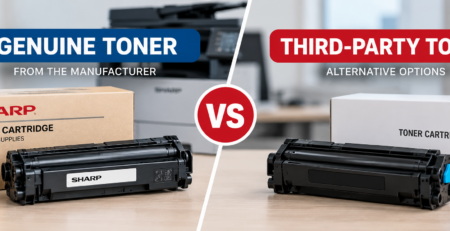
- U2 group (memory and cartridge chips) — where the fault relates to the toner cartridge chip, replacing the cartridge with a genuine one normally resolves it. Third-party cartridges with unreliable chips are a common source of these.
- C4 group (waste toner) — the waste toner box is full or not seated. Replace or reseat it, and check the sensor is clean.
- E7 group (scanner and calibration) — white-level and calibration faults are often caused by dirty scanner glass, particularly the narrow strip the document feeder scans through. Clean it before assuming the scanner unit has failed.
- CE — network or communication. The machine is fine. Check the network connection and any recent firewall, DNS, or mail server changes.
That last one deserves the same warning we gave in our guide to Canon imageRUNNER error codes. Communication faults get reported as copier breakdowns constantly, and the copier is almost never the thing that changed.
The suffix matters
The two digits after the dash are not decoration. H2-00, H2-01, and H2-02 are different conditions within the same subsystem, and a technician will bring different parts depending on which one you report.
When you call anything in, read the whole code. It is the difference between a diagnosis over the phone and a diagnosis on site, and on a machine that is down that difference is usually a day.
Note too that Sharp’s tables are not identical across every series. An older AR machine, a current MX, and a BP series device share the same letter logic but not every suffix, so treat these as the common cases rather than a universal reference for every Sharp ever built.
What to do before you call
- Write down the complete code, both parts
- Power off at the switch, wait ten minutes, power on once
- If the same code returns, stop. Do not keep resetting
- Note what changed recently — a jam cleared by force, a new toner cartridge, a power cut, a machine that was moved
- Check the obvious physical things: covers closed, cartridge seated, waste toner not full, nothing jamming the scanner
Most day-to-day problems never produce a code at all. Jams, streaks, and faded output are covered in our guide to common copier problems and how to fix them.
Codes are the end of a process
A fusing fault rarely appears out of nowhere. Thermistors drift, contamination builds up on sensors, and drive components wear gradually. The code arrives at the end of that, not the beginning.
That is the practical case for scheduled servicing on any Sharp that matters to your office. Cleaning the paper path, inspecting wear parts, and reading the machine’s error log catches the faults that have been recurring and clearing themselves, which is the pattern that precedes a lock-up. Our guide to copier preventive maintenance covers how often that is actually needed based on your page volume.
If codes are becoming routine on an older machine, the more useful question is whether it is worth keeping. Our breakdown of copier repair costs and our guide on repairing versus replacing cover that.
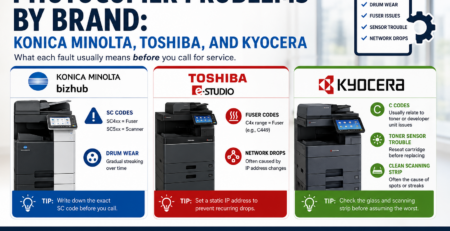
We service Sharp equipment throughout Orange County, including Irvine, Anaheim, Santa Ana, Huntington Beach, and Garden Grove, alongside the other brands in a mixed fleet. Our guides to Konica Minolta bizhub codes and Kyocera error codes cover the same ground for those machines.
Sharp Copier Error Codes FAQ
What do the letters in a Sharp error code mean?
The letter names the subsystem. H is the fusing unit, L is motors and drive, E is the scanner and optics, F is toner and supply sensors, U is memory and cartridge chips, C covers colour calibration and waste toner, CH means a door or cover is open, and CE is a network or communication problem. The letter alone tells you roughly how serious the fault is.
What is the difference between H3-00 and H4-00 on a Sharp copier?
They are opposites. H3-00 is a fusing section high temperature fault, meaning the fuser is running hotter than its specified level. H4-00 is a fusing section low temperature fault, meaning the fuser does not reach its specified temperature in the expected time after the power relay comes on. Published lists often confuse the two.
What does H2-00 mean?
The thermistor reads open, or the fusing unit is not installed. Causes include a faulty thermistor, a control board fault, a disconnected fusing section connector, or a fuser that is genuinely not seated. If the machine has just been serviced or a jam was cleared from the fuser area, check the unit is properly seated first.
Can I reset a Sharp fuser error myself?
You can safely power off, wait ten minutes for the fuser to cool, and power on once. Sharp also has service-mode routines that clear these codes, and we deliberately do not publish them. Using one without fixing the cause is how a thermistor replacement becomes a full fuser assembly replacement, and these are safety shutdowns rather than nuisance messages.
My Sharp says CH. Is it broken?
No. CH means a door, cover, or the bypass tray is not closed properly. Check every cover, and check the toner cartridge is fully seated, because a cartridge sitting slightly proud can hold a cover off its switch. It is one of the most common non-faults we get called about.
Why does an H3 overheat code sometimes not mean the fuser is overheating?
Because the thermistor can become contaminated with paper dust or sleeve oil, which makes it over-read the temperature. The machine shuts down believing the fuser is too hot when it is not. That is a cleaning and inspection job rather than a new fuser, which is why H3 is worth diagnosing rather than assuming the worst.
What causes L4-01 on a Sharp?
Main motor lock, usually from an overloaded motor, a defective motor, or a damaged drive gear. It is not user serviceable. L1-00, the scanner feed fault, is worth a quick look first though, because a machine that has recently been moved may still have its scanner transport lock engaged.
Does the number after the dash matter?
Yes. H2-00, H2-01, and H2-02 are different conditions within the same subsystem, and a technician may bring different parts depending on which one you report. Always read out both parts of the code when you call a fault in.
Do all Sharp models use the same codes?
They share the same letter logic, but not every suffix. An older AR series machine, a current MX, and a BP series device have overlapping but not identical tables. The codes here are the ones we see most often on office machines, and your model’s documentation or your service provider is the authority for a specific device.
Do you repair Sharp copiers in Orange County?
Yes. We provide on-site Sharp repair and maintenance across Orange County, including Irvine, Anaheim, Santa Ana, Huntington Beach, and Garden Grove, on MX and BP series machines and on equipment bought or leased elsewhere. Give us the full code and we can usually tell you what it points to before attending. Call 714-331-5509.